Duo Two-Factor Authentication (2FA)
Starting January 5th, 2026, all users accessing ASU Research Computing resources must utilize Duo Two-Factor Authentication (2FA). This additional security measure helps protect your account and the supercomputing resources from unauthorized access.
SSH Access with Duo 2FA
When connecting to the supercomputers via SSH, after entering your ASURITE username and password, you will receive a Duo Push notification on your registered 2FA device. You must approve this notification to complete the login process.
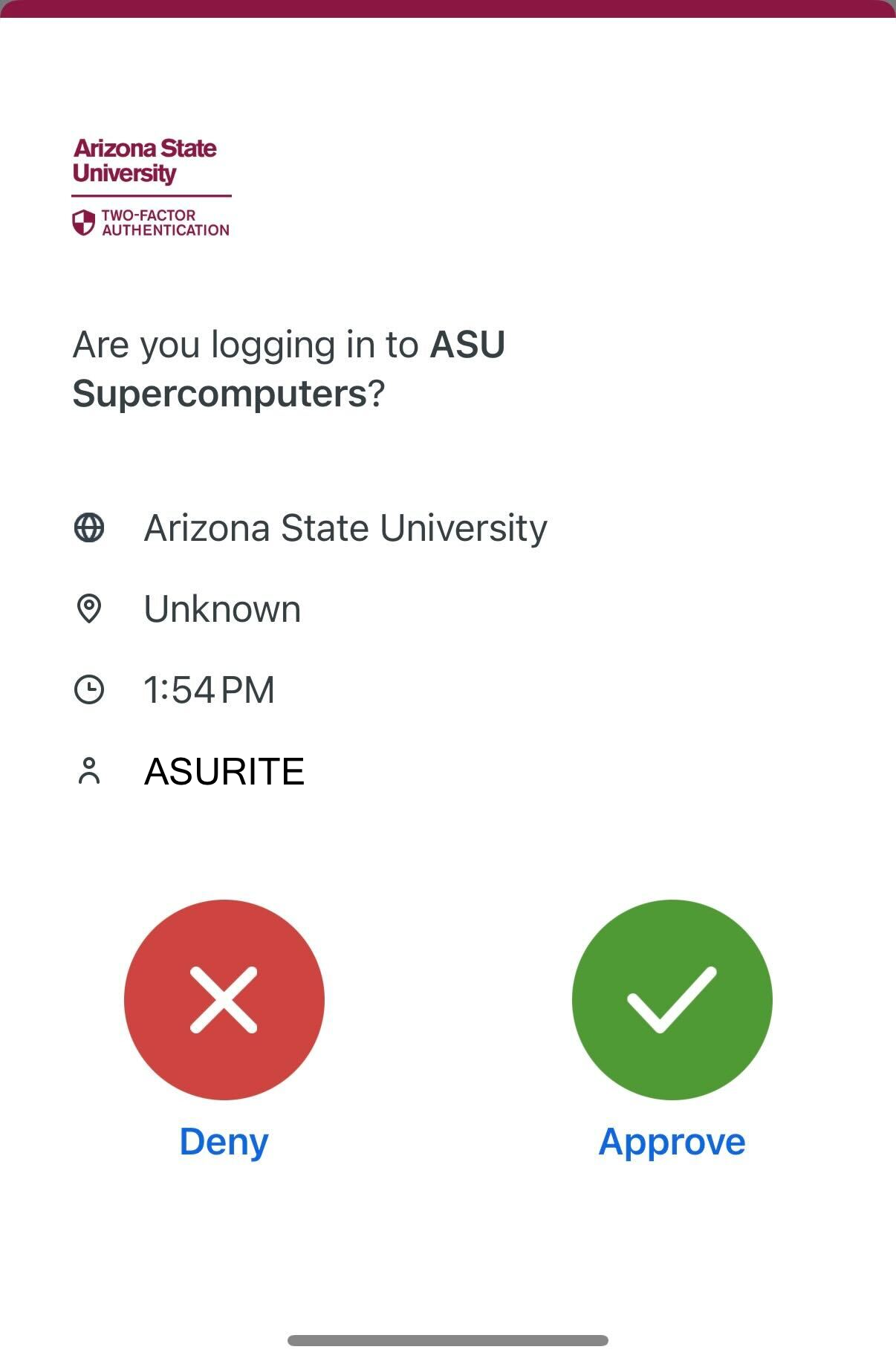
Data transfer tools that use SSH, such as scp, rsync, CyberDuck, FileZilla, and WinSCP, will also require Duo 2FA during the authentication process.
Note that Duo Phone and SMS are not available for SSH access.
SSH access via pre-configured public/private key pairs does not require Duo 2FA. Workloads that use key-based authentication, such as automated scripts or batch jobs, can continue to do so without modification. Please ensure that your private keys are securely stored and protected.
Web Portal Access with Duo 2FA
Logging into the web portal also requires Duo 2FA as part of ASU Single-Sign-On (SSO). After entering your ASURITE credentials, you will be prompted to complete the 2FA process using your registered device. Connecting to the web-based terminal from within the Web Portal will not require an additional Duo push.
Not Receiving Duo Push Notifications?
If you have multiple devices registered for Duo, the push notification will be sent to your configured default device. If you are not receiving the notification, it may have been sent to the wrong device. You can manage your Duo devices and select or update your default device in the Duo Device Management Portal.
Support for Duo 2FA
Duo is managed by ASU's Enterprise Technology department. For assistance with setting up or troubleshooting Duo 2FA, please refer to the ASU Duo Support Page or contact the ASU Experience Center support.